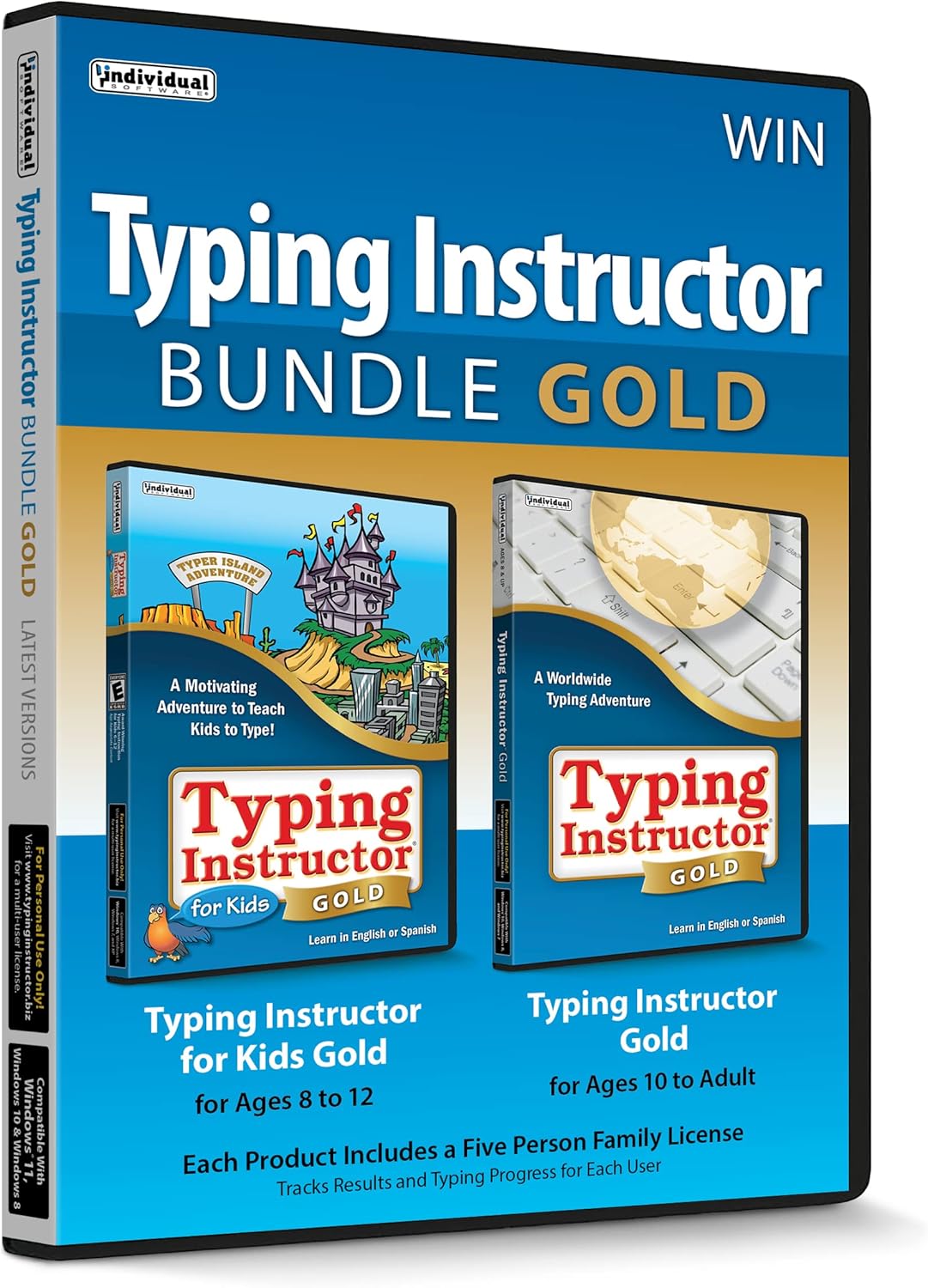
IndividualSoftware has long been a trusted name in educational software, particularly celebrated for its innovative typing programs designed to teach touch typing in an engaging way. Specializing in products for children and adults alike, the brand offers interactive tools that transform keyboard learning into an enjoyable adventure, often featuring beloved characters and themed environments.
Brand Overview
With a focus on practical skill-building, IndividualSoftware creates software that goes beyond basic drills. Their lineup emphasizes user-friendly interfaces, progressive learning paths, and motivational elements to keep learners hooked. Whether it's introducing young kids to the keyboard or helping adults refine their speed and accuracy, the brand delivers reliable solutions for home and school use. Products are typically available for Windows PCs via CD, ensuring straightforward installation and offline access.
What Makes IndividualSoftware Stand Out
IndividualSoftware distinguishes itself through its commitment to age-appropriate content and gamified learning. Programs adapt to the user's skill level, providing personalized feedback and progress tracking. This approach not only boosts typing proficiency but also builds confidence. The software's vibrant graphics, sound effects, and story-driven lessons—such as adventures on Typer Island—make sessions feel like playtime rather than practice. Durability and ease of use further enhance their appeal, with many titles supporting multiple users on a single computer.
Key Product Categories
IndividualSoftware shines in the Education & Reference > Typing category, where their typing instructors lead the pack with structured courses covering home row keys, speed drills, and advanced techniques. For younger audiences, explore their offerings in Children's > Early Learning, featuring kid-friendly bundles that combine entertainment with education.
Bundles are a highlight, often pairing kid-focused and family versions for comprehensive coverage. These categories showcase the brand's versatility, catering to beginners and those seeking improvement across age groups.
Who Are Their Products Best For?
Parents seeking screen-time solutions that deliver real skills will find IndividualSoftware ideal for children aged 5 and up. Homeschoolers appreciate the self-paced structure, while educators value the classroom-friendly multi-user support. Adults new to computing or professionals aiming to increase productivity also benefit from the intuitive adult-oriented programs. Overall, these tools suit anyone prioritizing effective, distraction-free learning without subscriptions or internet dependency.
Product Quality and Reputation
IndividualSoftware products are built with quality in mind, featuring smooth performance on standard PCs and robust content that withstands repeated use. The brand enjoys a solid reputation for delivering value through timeless educational tools that evolve with user needs. Positive feedback often highlights the engaging formats that reduce frustration and encourage daily practice. As a pioneer in typing education, they continue to set standards for interactive software that fosters lifelong digital literacy.
Frequently Asked Questions
What types of typing software does IndividualSoftware offer?
They provide a range of typing instructors, including kid-specific editions with fun themes and bundles for families, covering basics to advanced skills in interactive formats.
Are IndividualSoftware products suitable for young children?
Yes, many programs are designed for kids, using age-appropriate lessons, characters like Mickey Mouse, and gamified islands to make learning accessible and enjoyable from an early age.
Do these programs work on modern Windows PCs?
IndividualSoftware titles are compatible with Windows systems and delivered via CD for easy, offline installation on most standard PCs.
Can multiple users share one IndividualSoftware product?
Most programs support multiple profiles, allowing families or classrooms to track individual progress separately.
How do IndividualSoftware typing programs structure lessons?
Lessons follow skill-based plans with tutorials, games, timed tests, and reports, adapting to the learner's pace for optimal results.