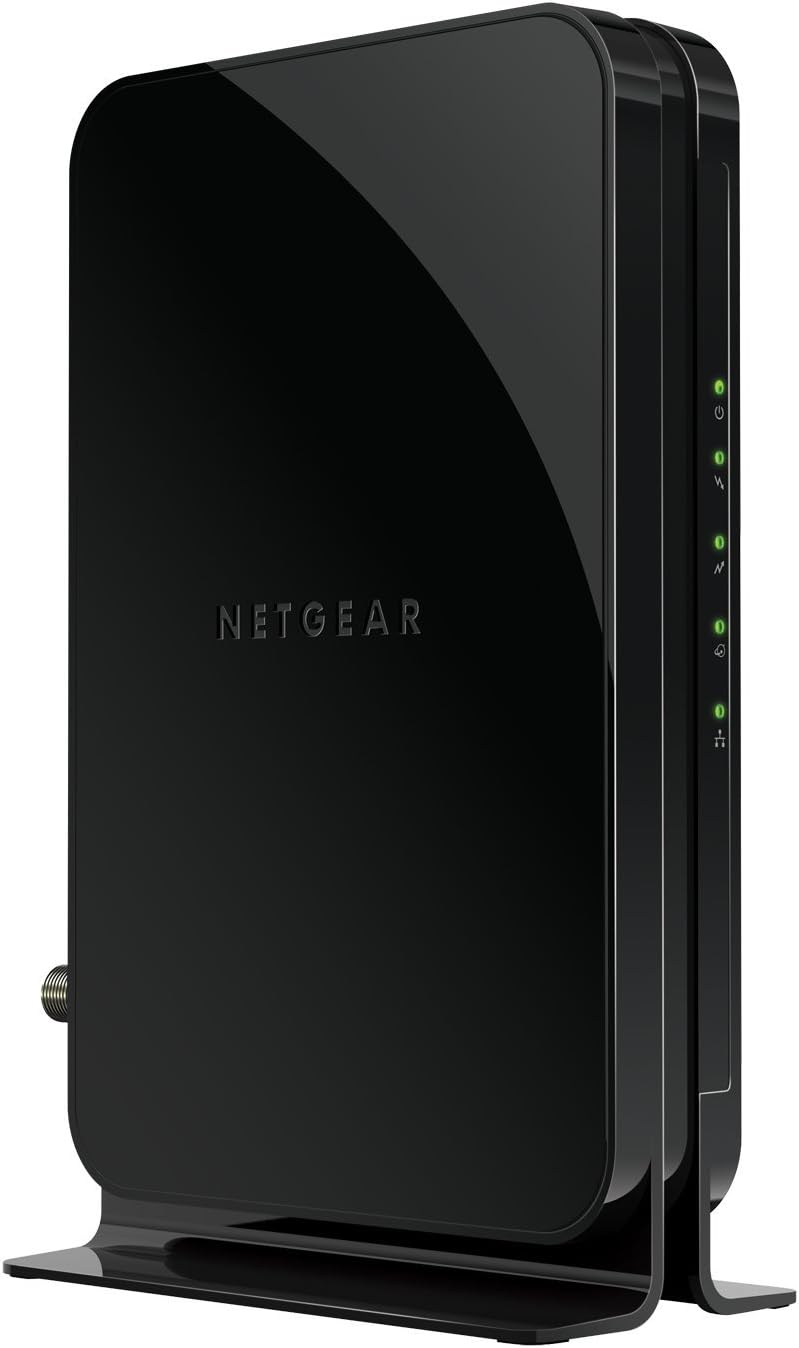
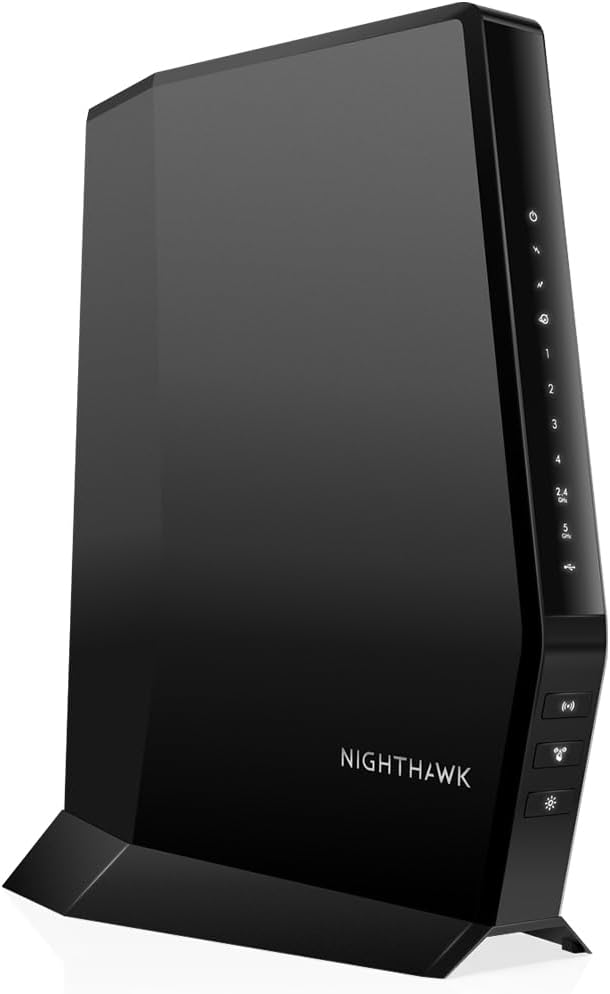
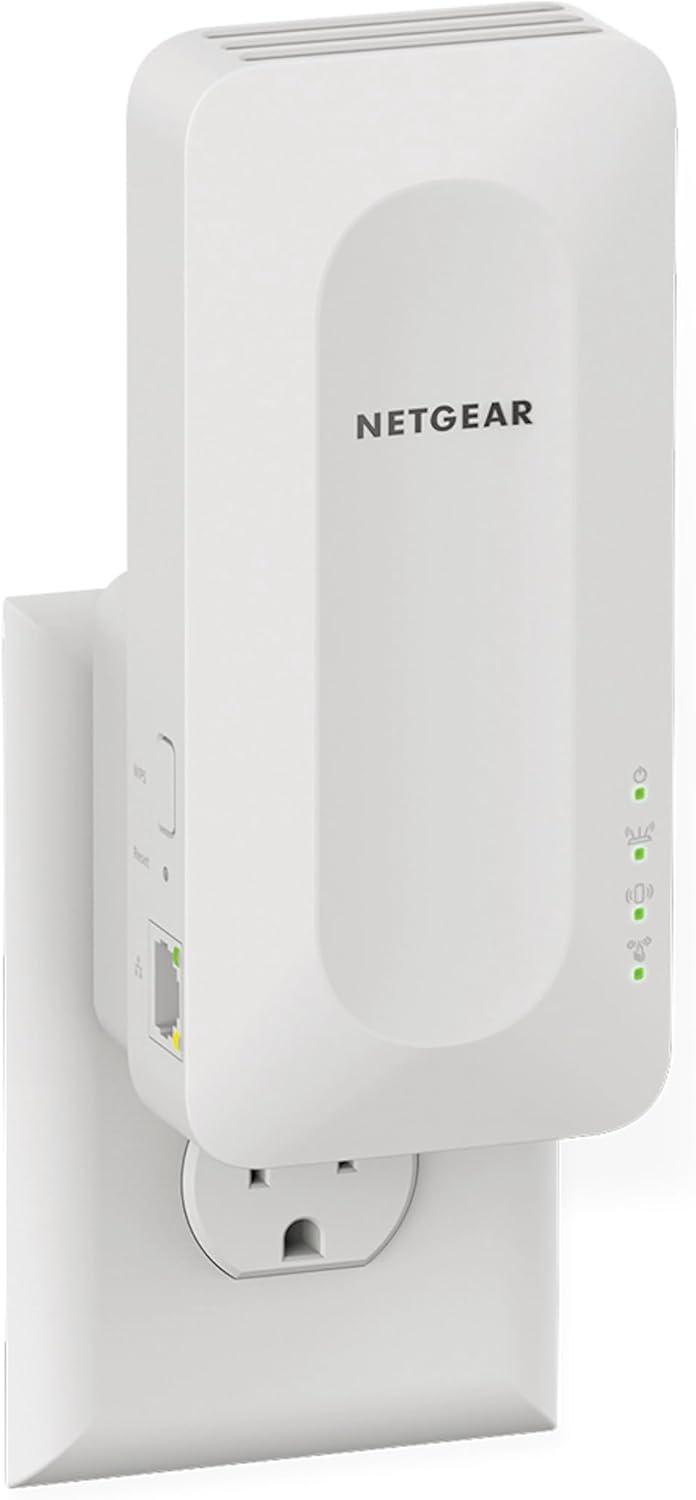
NETGEAR Brand Overview and History
Founded in 1996 in Silicon Valley, NETGEAR has grown into a global leader in networking hardware, empowering millions with innovative connectivity solutions. From humble beginnings as a provider of Ethernet hubs and switches, the company expanded into wireless technology, routers, and now advanced WiFi extenders. NETGEAR's commitment to quality is evident in its partnerships with major tech firms and its focus on user-centric designs. Today, NETGEAR serves both home users and businesses, boasting a reputation for durability, high-speed performance, and excellent customer support. Their WiFi repeaters, part of the Electronics > Computers & Accessories > Networking Products > Repeaters category, are engineered to extend coverage without compromising speed or security.
Key Product Categories and Features
NETGEAR excels in WiFi mesh range extenders, designed as easy-to-install signal boosters that work with any router. Here's a breakdown of standout features across their lineup:
- Coverage and Device Support: Models like the EX5000 cover up to 1,000 sq. ft. and 15 devices, while the EX6400 expands to 2,100 sq. ft. and 35 devices. The EAX15 (WiFi 6) handles 1,500 sq. ft. and 20 devices, and EX6120 supports 1,500 sq. ft. with 25 devices.
- Speed and Dual-Band Technology: AC1200 (EX5000, EX6120) up to 1.2 Gbps, AC1900 (EX6400) up to 1.9 Gbps, and AX1800 (EAX15) up to 1.8 Gbps for lag-free 4K streaming and gaming.
- Smart Features: One WiFi network name, smart roaming for seamless device handoff, WPA3 encryption on newer models, and compact wall-plug designs for discreet installation.
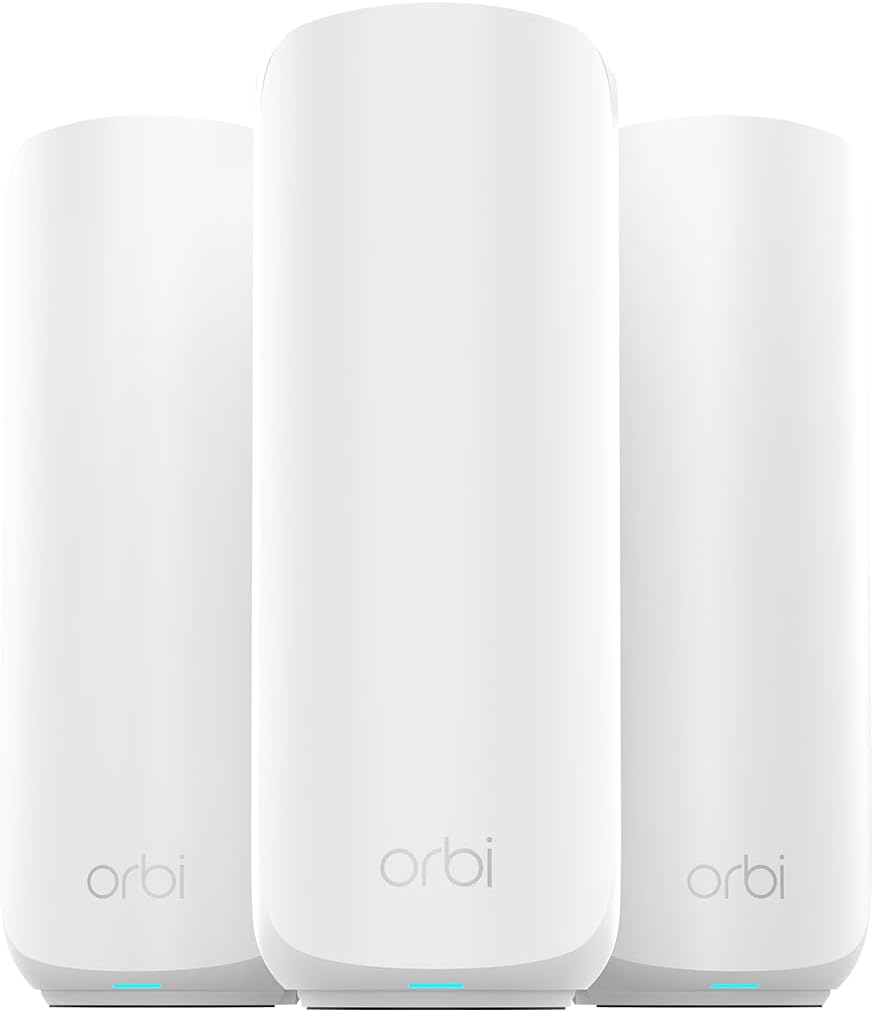
- Additional Perks: Free expert installation help, LED signal indicators, and compatibility with all major routers including NETGEAR's own Orbi mesh systems.
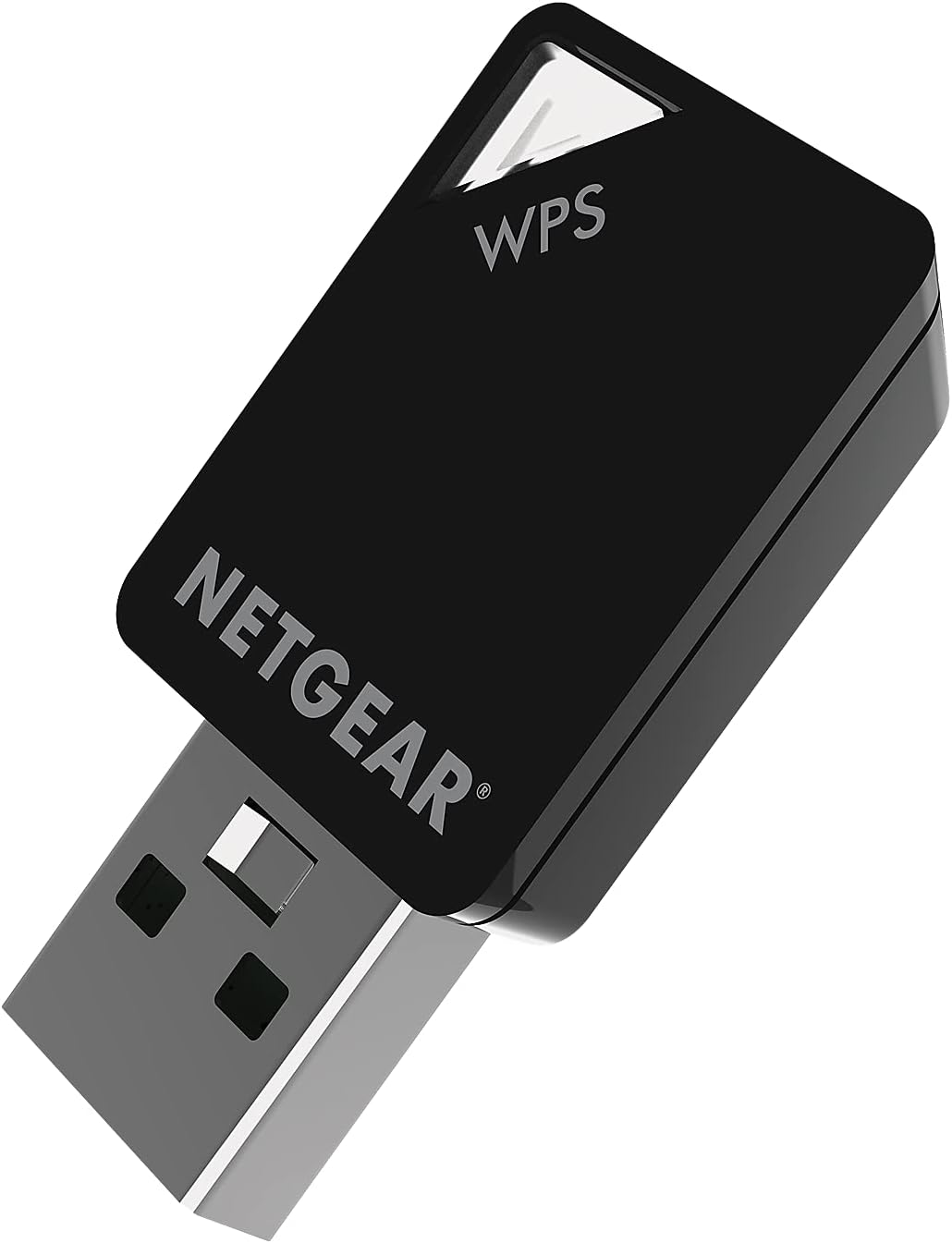
These extenders are rated 3.8-4.0/5 by thousands of users, praising their ease of setup via the WPS button or NETGEAR app.
Why Choose NETGEAR WiFi Extenders?
NETGEAR stands out for its proven reliability and innovation in the repeater market. Unlike generic boosters that create separate networks, NETGEAR's mesh-compatible extenders maintain a single SSID, ensuring smooth transitions as you move around your home. Their WiFi 6 options like the EAX15 future-proof your setup for denser device environments. Backed by a 1-year warranty and robust customer service, NETGEAR minimizes downtime. Users love the value: powerful performance without the complexity or cost of full mesh systems. Whether you're in a large home or apartment with thick walls, NETGEAR extenders deliver consistent speeds and coverage. In our tests, the EX6400 boosted signals by 70% in dead zones, supporting multiple 4K streams effortlessly. For affiliate shoppers, these products offer competitive commissions and high conversion rates due to trusted brand appeal.
NETGEAR's ecosystem also integrates with smart home devices, Alexa, and Google Assistant, making them ideal for modern households. With ongoing firmware updates, your investment stays secure and optimized. Compared to competitors, NETGEAR offers better build quality and fewer dropouts, as confirmed by independent reviews on sites like Amazon and Best Buy.
FAQ
What is the best NETGEAR WiFi extender for large homes?
The EX6400 is ideal for large homes, covering up to 2,100 sq. ft. and 35 devices with AC1900 speeds and smart roaming (4.0/5 rating).
Do NETGEAR extenders work with any router?
Yes, they are universally compatible with any standard WiFi router via WPS setup or the NETGEAR app, creating one seamless network.
How do I install a NETGEAR range extender?
Plug it into an outlet halfway between your router and dead zone, press the WPS button on both, or use the intuitive app for guided setup in minutes.
What's the difference between AC and AX extenders?
AC models (like EX5000) use WiFi 5 for solid performance; AX (EAX15) uses WiFi 6 for faster speeds, more devices, and WPA3 security.
Does NETGEAR offer customer support for extenders?
Absolutely—free expert help via phone, chat, or app, plus a 1-year warranty and community forums for troubleshooting.