Menu

We may earn a small commission from purchases made through our trusted partner and affiliate links, at no extra cost to you. Learn more ›

Wacom

Wacom is a pioneer in graphics tablets and digital pens, delivering professional tools for artists, designers, and creators to bring ideas to life digitally.

5 products Updated March 4, 2026

Wacom Products (5)

1

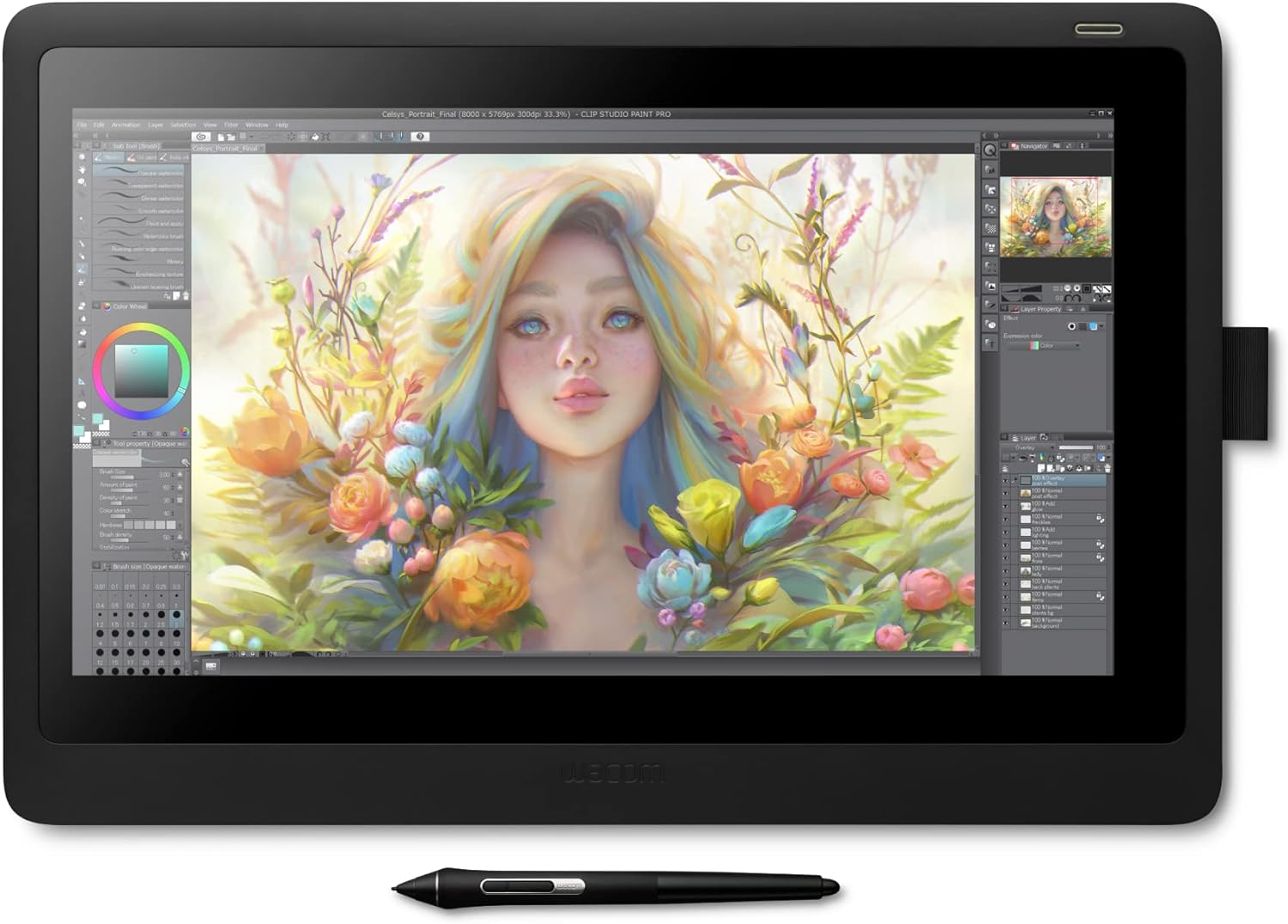
Wacom Cintiq 16 15.6" Full HD Drawing Tablet with Screen & Pro Pen 2 - Tilt Response, 8192 Pressure Levels for Artists, Designers, Mac/PC

Wacom
9.8
ProductReviews.org score rating is a scoring system developed by our experts. The score is from 0 to 10 based on the data collected by the ProductReviews.org tool. This score doesn't impact from any manufacturer or sales agent websites. We encourage you to write a review of your experiences with these products. Learn more »
Pros & Cons

Pros

  • Exceptional pen precision with 8192 pressure sensitivity and low activation force
  • Comfortable viewing with uniform brightness and reflection-reducing coating
  • Includes essentials like replacement nibs, cables, and AC adapter for immediate setup
  • Trusted by creators for reliable performance in illustration and animation

Cons

  • Limited to basic foldable legs; no full stand for extreme angles
  • HD resolution falls short of 4K on pro models for ultra-detailed work
  • Wired connectivity only, lacking Bluetooth freedom
2
-20%
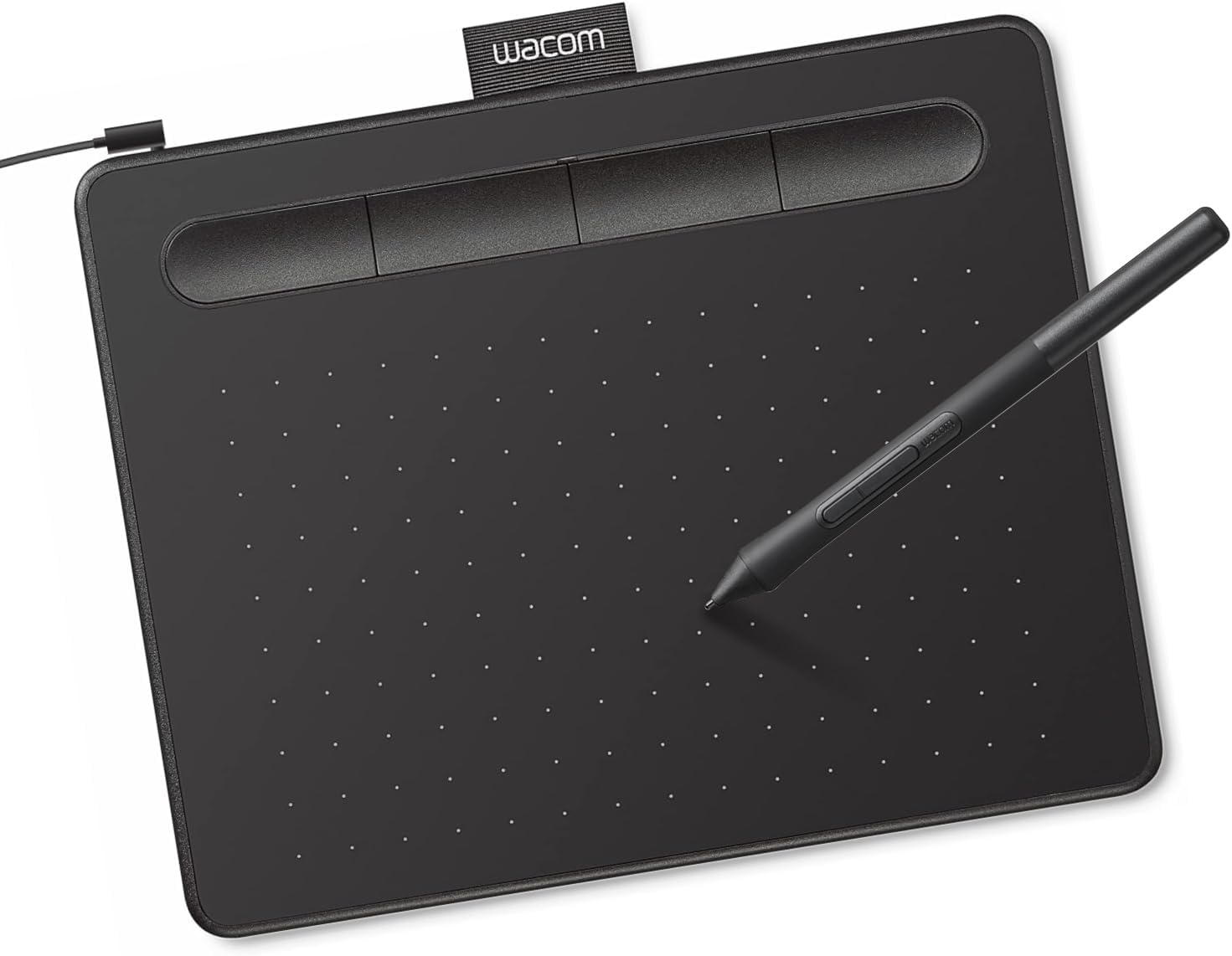
Wacom Intuos Small Graphics Drawing Tablet with Battery-Free Pen, Software & Training - Mac, PC, Chromebook, Android Compatible

Wacom Intuos Small Graphics Drawing Tablet with Battery-Free Pen, Software & Training - Mac, PC, Chromebook, Android Compatible

Wacom
9.7
ProductReviews.org score rating is a scoring system developed by our experts. The score is from 0 to 10 based on the data collected by the ProductReviews.org tool. This score doesn't impact from any manufacturer or sales agent websites. We encourage you to write a review of your experiences with these products. Learn more »
Pros & Cons

Pros

  • Exceptional battery-free pen with consistent pressure sensitivity that lasts years
  • Generous software bundle and online training for immediate creative productivity
  • Wide cross-platform compatibility including Chromebook and Android
  • Customizable ExpressKeys enhance workflow efficiency
  • Proven durability and responsive support from industry leader Wacom

Cons

  • Small active area may feel limiting for detailed work or larger canvases
  • Requires USB connection, not wireless for ultimate portability
  • Initial software registration needed to access full bundle
3

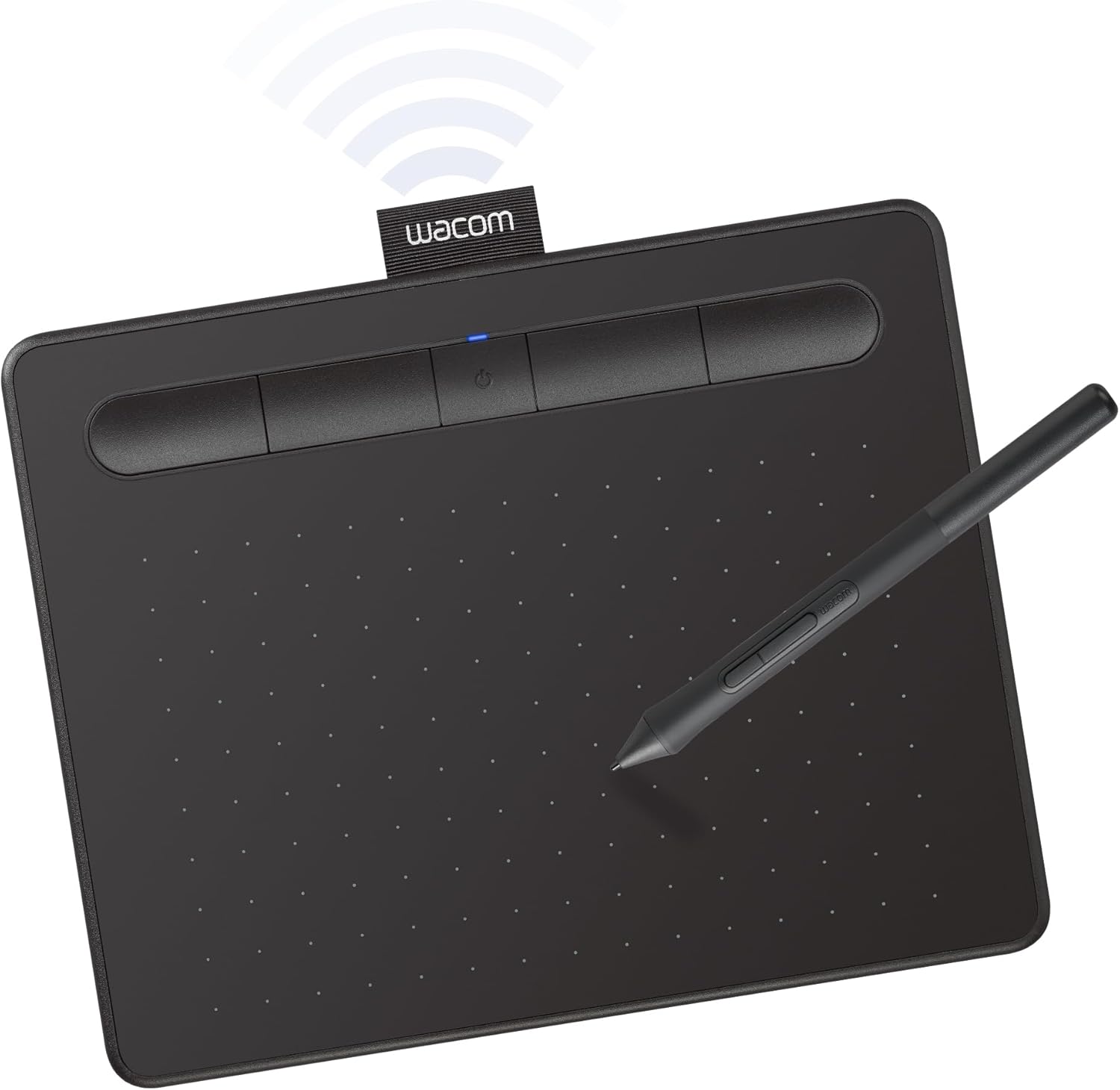
Wacom Intuos Small Bluetooth Drawing Tablet with ExpressKeys - Wireless Pen for Digital Art, Editing on Mac, PC, Chromebook, Android

Wacom
9.7
ProductReviews.org score rating is a scoring system developed by our experts. The score is from 0 to 10 based on the data collected by the ProductReviews.org tool. This score doesn't impact from any manufacturer or sales agent websites. We encourage you to write a review of your experiences with these products. Learn more »
Pros & Cons

Pros

  • Exceptional pressure sensitivity and EMR technology for consistent, professional-grade strokes
  • Easy wireless setup with Bluetooth or USB, plus multi-OS compatibility including Chromebook
  • Generous software bundle with 2 years of Clip Studio Paint Pro and Skillshare training
  • Portable small size ideal for students, teachers, and on-the-go creators
  • Trusted Wacom quality with responsive support and long-lasting construction

Cons

  • Small active area may limit complex, large-scale artwork
  • Full software access requires product registration
  • Bluetooth pairing can occasionally need re-initialization on some devices
4

Wacom Intuos Medium Bluetooth Drawing Tablet - Battery-Free Pen, Wireless for Mac PC Chromebook Android, ExpressKeys for Artists Students Teachers

Wacom
9.7
ProductReviews.org score rating is a scoring system developed by our experts. The score is from 0 to 10 based on the data collected by the ProductReviews.org tool. This score doesn't impact from any manufacturer or sales agent websites. We encourage you to write a review of your experiences with these products. Learn more »
Pros & Cons

Pros

  • Battery-free pen with consistent pressure sensitivity
  • Wireless Bluetooth and USB options for flexible use
  • Generous software bundle including CLIP STUDIO PAINT PRO
  • Versatile for art, education, and remote work
  • Proven reliability from a 40-year industry leader

Cons

  • Medium size may limit workspace for advanced professional projects
  • Requires driver installation and software registration for full features
  • Bluetooth pairing can occasionally need troubleshooting
5

Wacom Intuos Pro Medium Bluetooth Graphics Drawing Tablet with Pro Pen 3 - Pro Precision for Artists, Mac & Windows 2025

Wacom
9.6
ProductReviews.org score rating is a scoring system developed by our experts. The score is from 0 to 10 based on the data collected by the ProductReviews.org tool. This score doesn't impact from any manufacturer or sales agent websites. We encourage you to write a review of your experiences with these products. Learn more »
Pros & Cons

Pros

  • Exceptional pen accuracy and sensitivity for detailed professional work
  • Highly customizable controls and dials enhance creative flow
  • Durable, portable build with versatile wired/wireless options
  • Broad compatibility across leading creative software
  • Ergonomic design supports extended sessions for right- and left-handers

Cons

  • Advanced features may overwhelm casual or beginner users
  • Medium size offers less portability than smaller models
  • Full customization requires time to set up and learn

Wacom Brand Guide

Wacom stands as a cornerstone in the world of digital creativity, renowned for its innovative graphics tablets and stylus technology that bridge the gap between traditional art and digital workflows. From professional pen displays to portable drawing pads, Wacom products empower artists, illustrators, graphic designers, and hobbyists to create with precision and natural feel.

Brand Overview and Legacy

Wacom has built a stellar reputation over decades by focusing on superior input devices tailored for creative professionals. Their commitment to quality shines through in every product, featuring advanced pressure-sensitive pens, customizable controls, and seamless compatibility across platforms like Mac, PC, Chromebook, Android, and Windows. What sets Wacom apart is the Pro Pen technology, which offers tilt recognition, exceptional pressure levels, and ergonomic design for hours of comfortable use.

What Makes Wacom Stand Out

Wacom's products are engineered for durability and performance, making them a favorite among digital artists worldwide. The brand excels in delivering intuitive tools that mimic real pen-on-paper experiences, with features like multi-touch gestures and express keys for streamlined workflows. Their reputation for reliability ensures that creators can focus on their art without technical interruptions. Whether you're a beginner sketching ideas or a pro animating complex scenes, Wacom's build quality and responsive technology provide unmatched value.

Key Product Categories

Wacom dominates in the realm of creative input devices. Explore their offerings in essential categories:

  • Graphics Tablets: Core lineup including screenless models like the Intuos series for portable drawing and pen displays like Cintiq for direct-on-screen creation.
  • Input Devices: Precision styli and peripherals designed for natural drawing, writing, and navigation.
  • Computer Accessories & Peripherals: Integration-friendly tools that enhance any creative setup.

These categories highlight Wacom's versatility, from compact Bluetooth-enabled tablets perfect for students and teachers to larger professional displays for studio work.

Who Are Wacom Products Best For?

Wacom caters to a wide audience. Professional graphic designers and illustrators appreciate the high-fidelity pen response in models like the Cintiq series. Students and educators find value in portable Intuos tablets with Bluetooth connectivity for on-the-go learning. Hobbyists and casual creators benefit from user-friendly interfaces and broad software compatibility, including popular apps for digital painting and photo editing. If your work involves detailed line art, 3D modeling, animation, or even note-taking, Wacom delivers tools that scale with your skill level.

Product Quality and Reputation

Renowned for excellence, Wacom products consistently earn praise for their robust construction and innovative features. The brand's pens feature up to 8192 levels of pressure sensitivity, ensuring nuanced control over line weight and shading. Customizable express keys and touch rings speed up repetitive tasks, boosting productivity. With a focus on ergonomics, Wacom minimizes hand fatigue during extended sessions. Their ecosystem supports major creative software, making integration effortless. Creators trust Wacom for its proven track record in fostering professional-grade output.

FAQ

What makes Wacom graphics tablets different from other brands?

Wacom's proprietary EMR technology enables battery-free pens with superior pressure and tilt sensitivity, offering a more natural drawing experience compared to competitors.

Are Wacom tablets compatible with both Mac and Windows?

Yes, most Wacom tablets work seamlessly with Mac, Windows, Chromebook, Android, and various creative software like Photoshop, Clip Studio Paint, and more.

Which Wacom tablet is best for beginners?

Entry-level options like the Intuos Small provide an affordable entry with essential features, Bluetooth connectivity, and customizable keys for new users.

Do Wacom products include software?

Many models come bundled with creative software trials or downloads, helping users get started right away with drawing and design apps.

Can Wacom tablets be used for professional animation?

Absolutely, pro models like Cintiq offer full HD displays and precise pen input ideal for animation, storyboarding, and frame-by-frame work.